
A Brief Look WITH

Predi Designs develops professionally styled, user-friendly PowerPoint templates that allow clients to create high-impact presentations with minimal effort. By leveraging native PowerPoint features, we ensure that every slide remains auto-formatted, visually balanced, and easy to edit. Each template includes Light, Dark, and Colored versions for versatility, as well as a built-in guide to help clients navigate the design effortlessly.
categories
Software & Skills
Adobe Illustrator
Adobe Photoshop
Brand Strategy
Client Collaboration
Layout Design
Powerpoint Design
Presentation Optimization
Typography
Vector Illustration
Adobe Illustrator
Adobe Photoshop
Brand Strategy
Client Collaboration
Layout Design
Powerpoint Design
Presentation Optimization
Typography
Vector Illustration
Color Palette
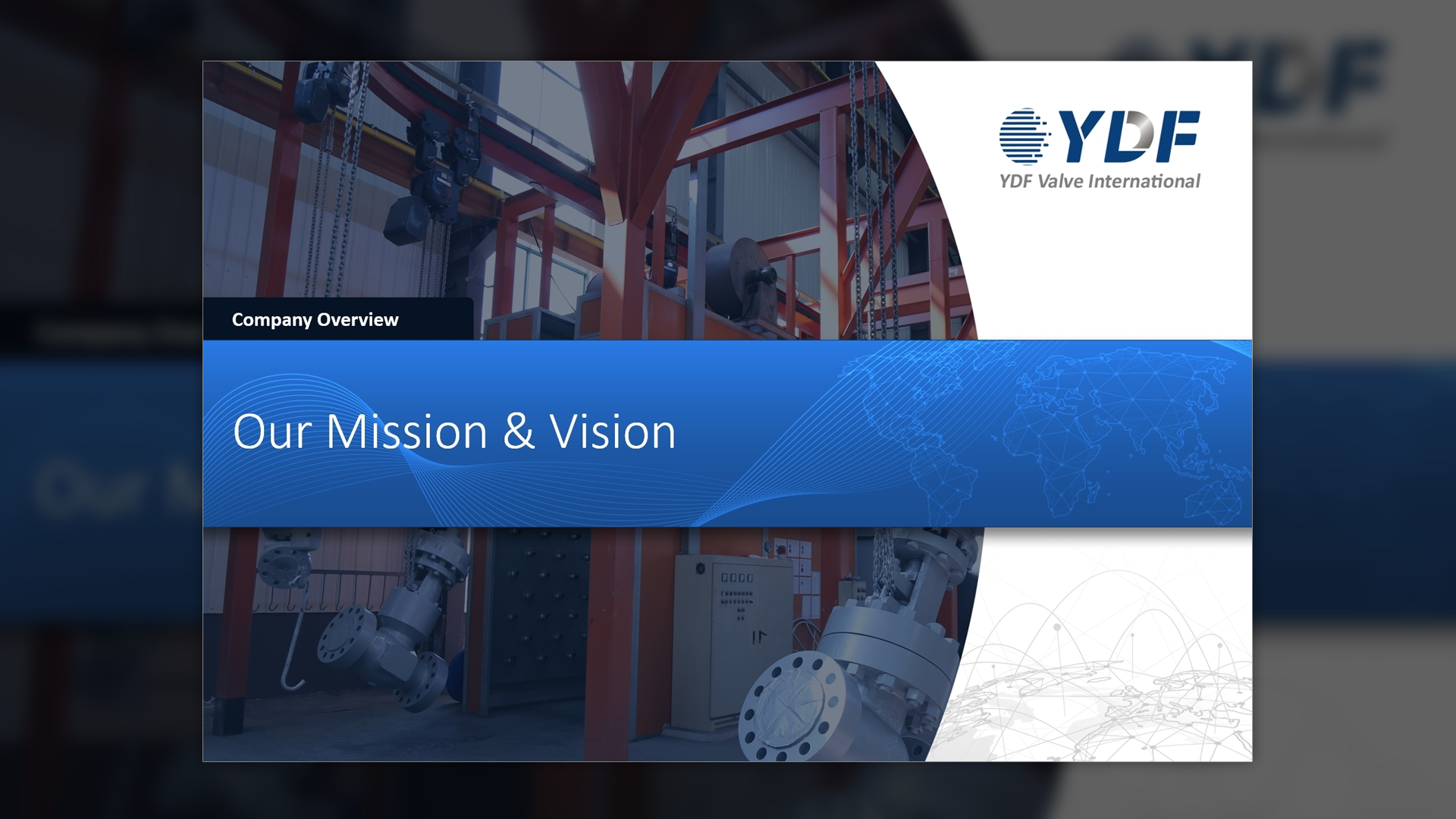
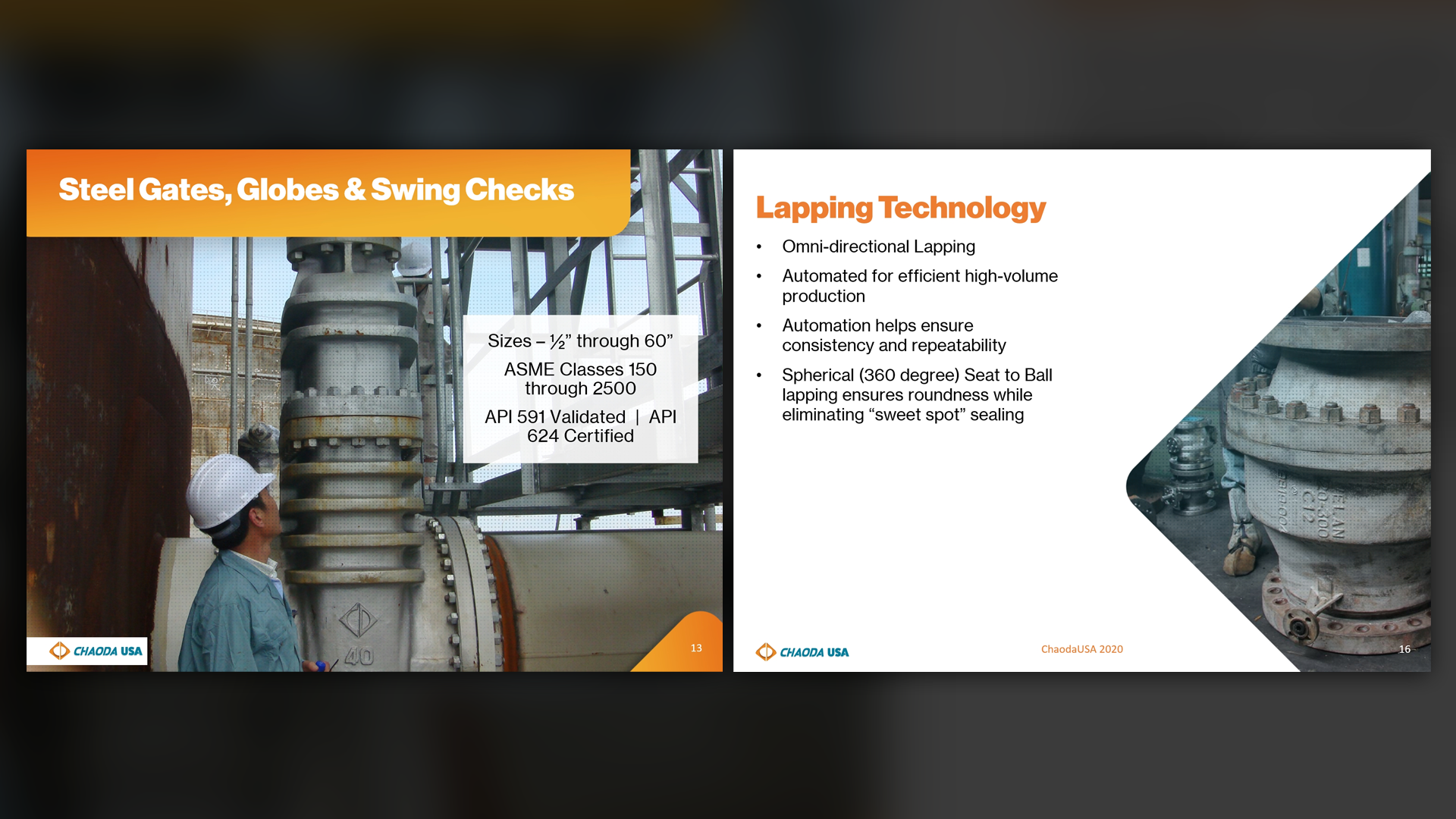
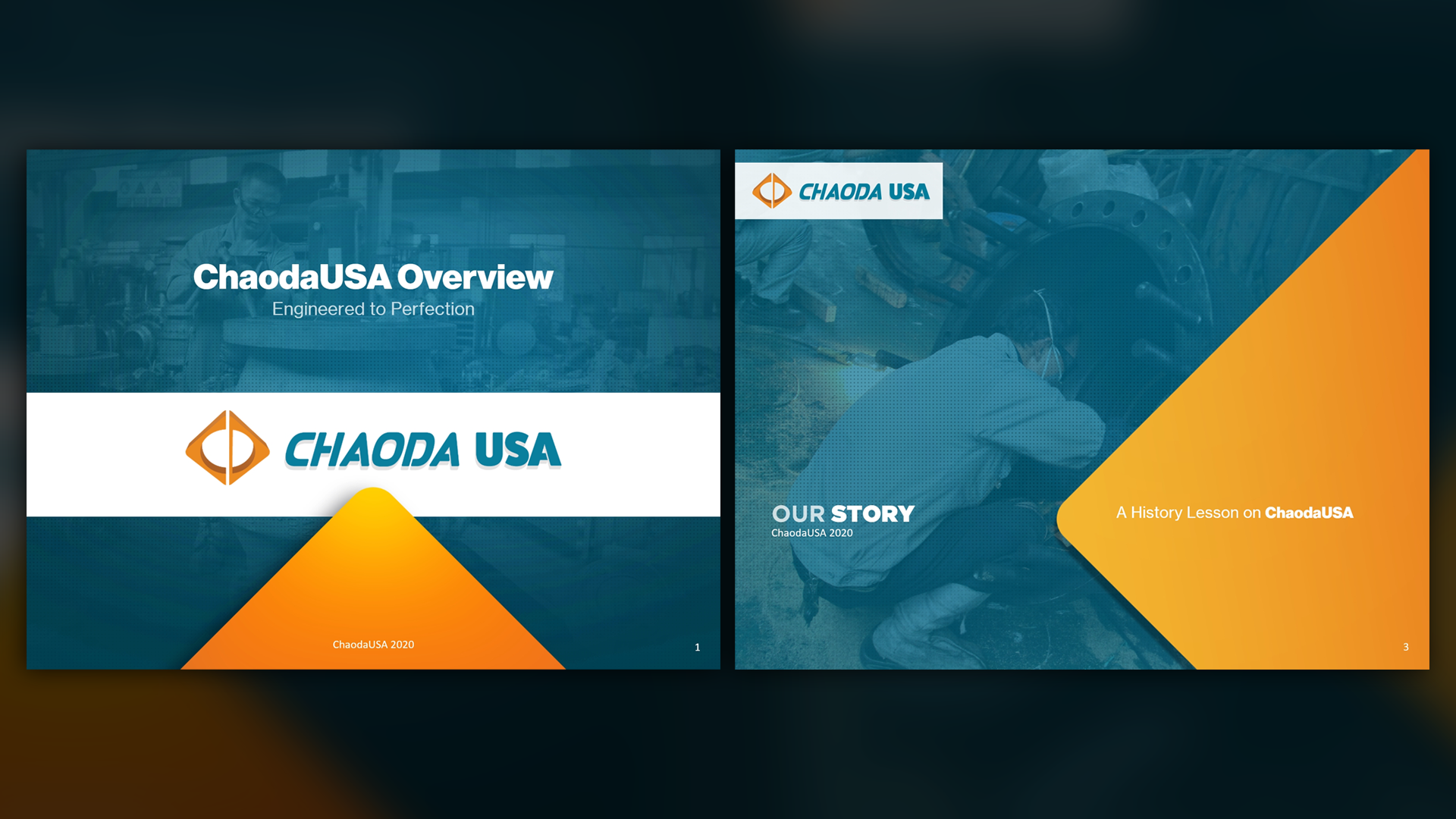
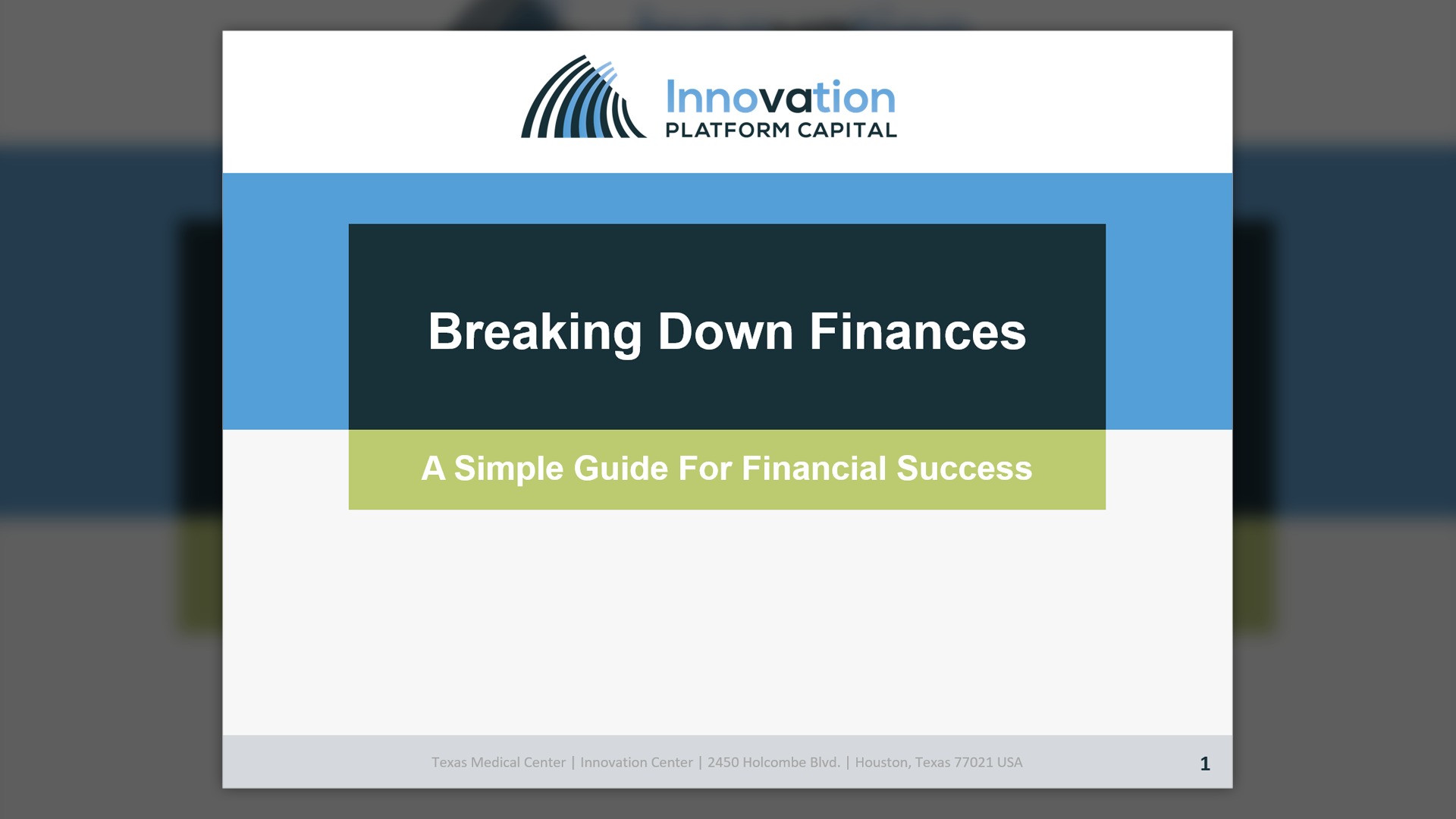
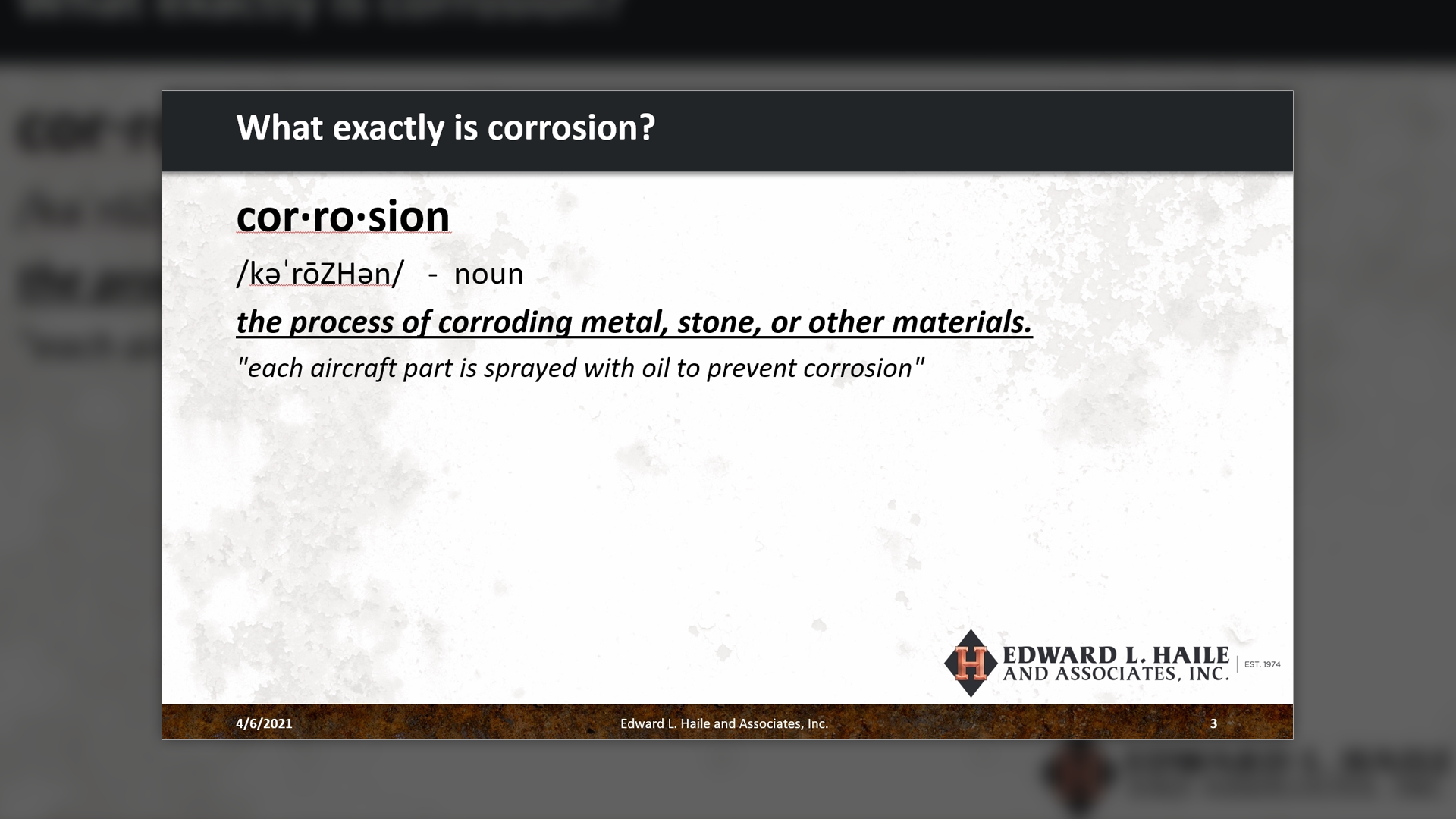
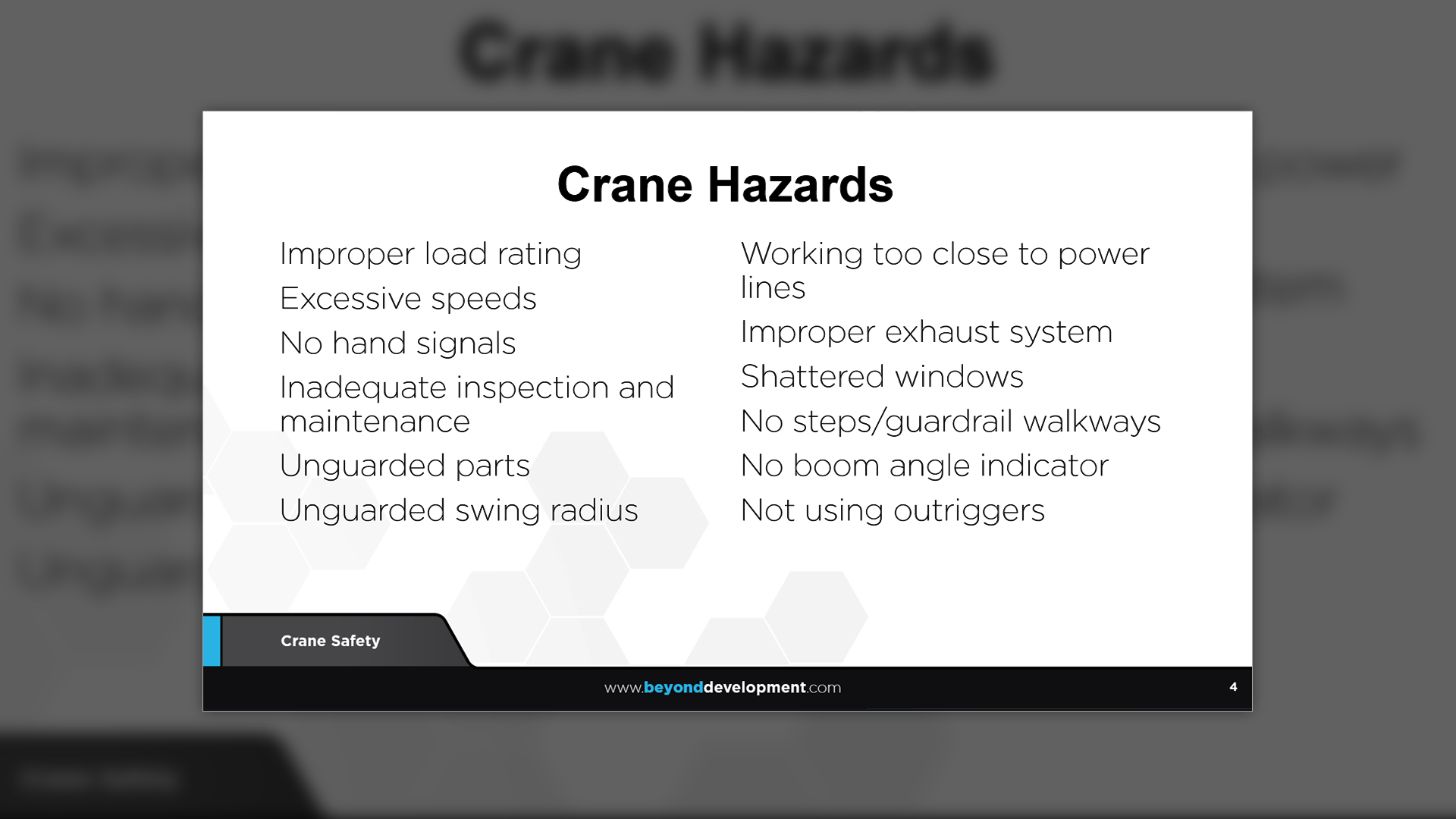
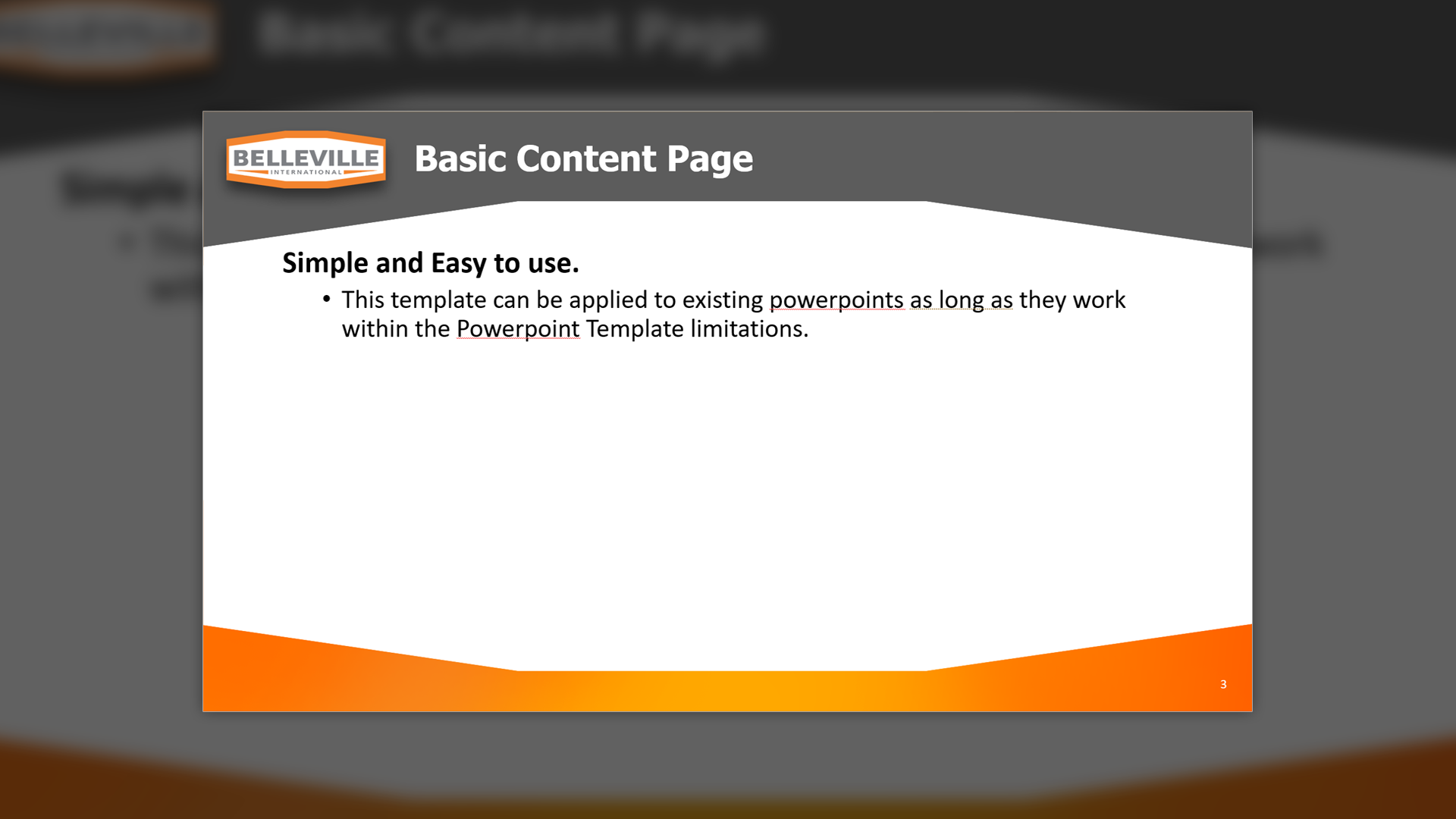
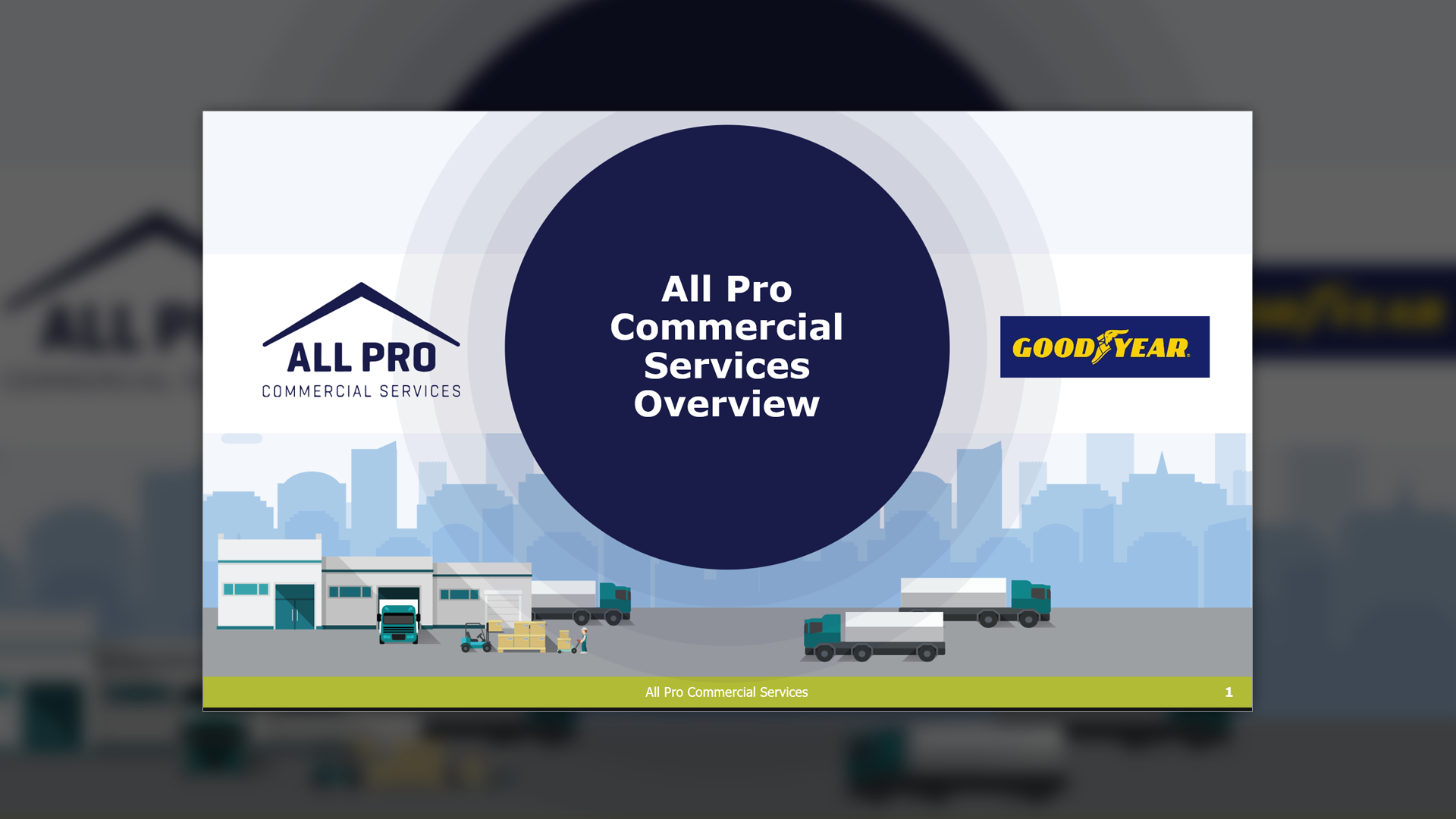
Predi Designs' PowerPoint templates ensure that clients can create professional, polished presentations with minimal effort, just type and paste, and the layout does the rest.

client
Various Clients
Business professionals, executives, and industry leaders, many of whom are not tech-savvy but require polished presentations without the hassle of complex design tools. These clients rely on intuitive, self-sufficient PowerPoint templates to streamline their workflow.
Project Year
2016 - Present
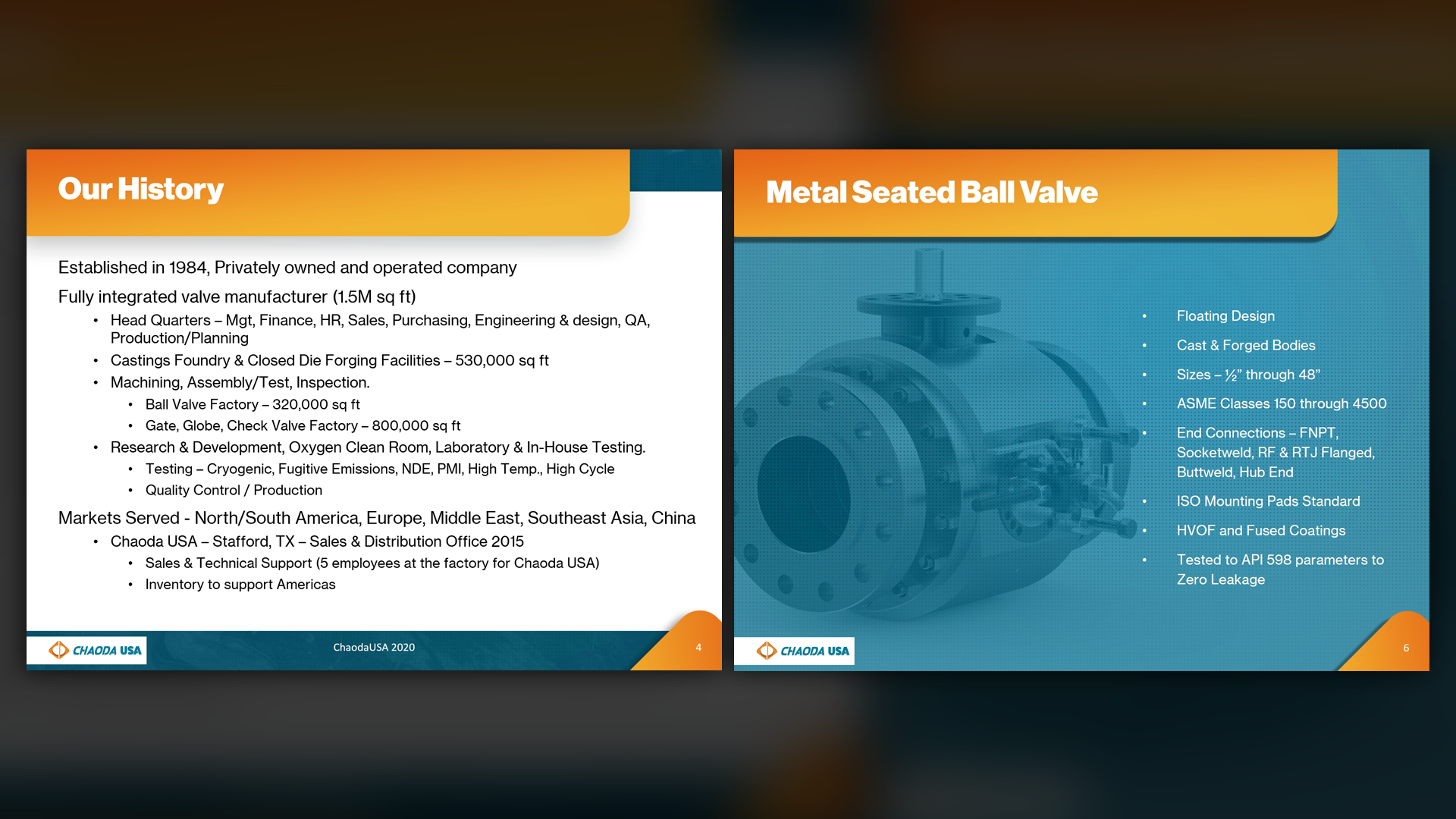

PowerPoint
PowerPoint
Summary
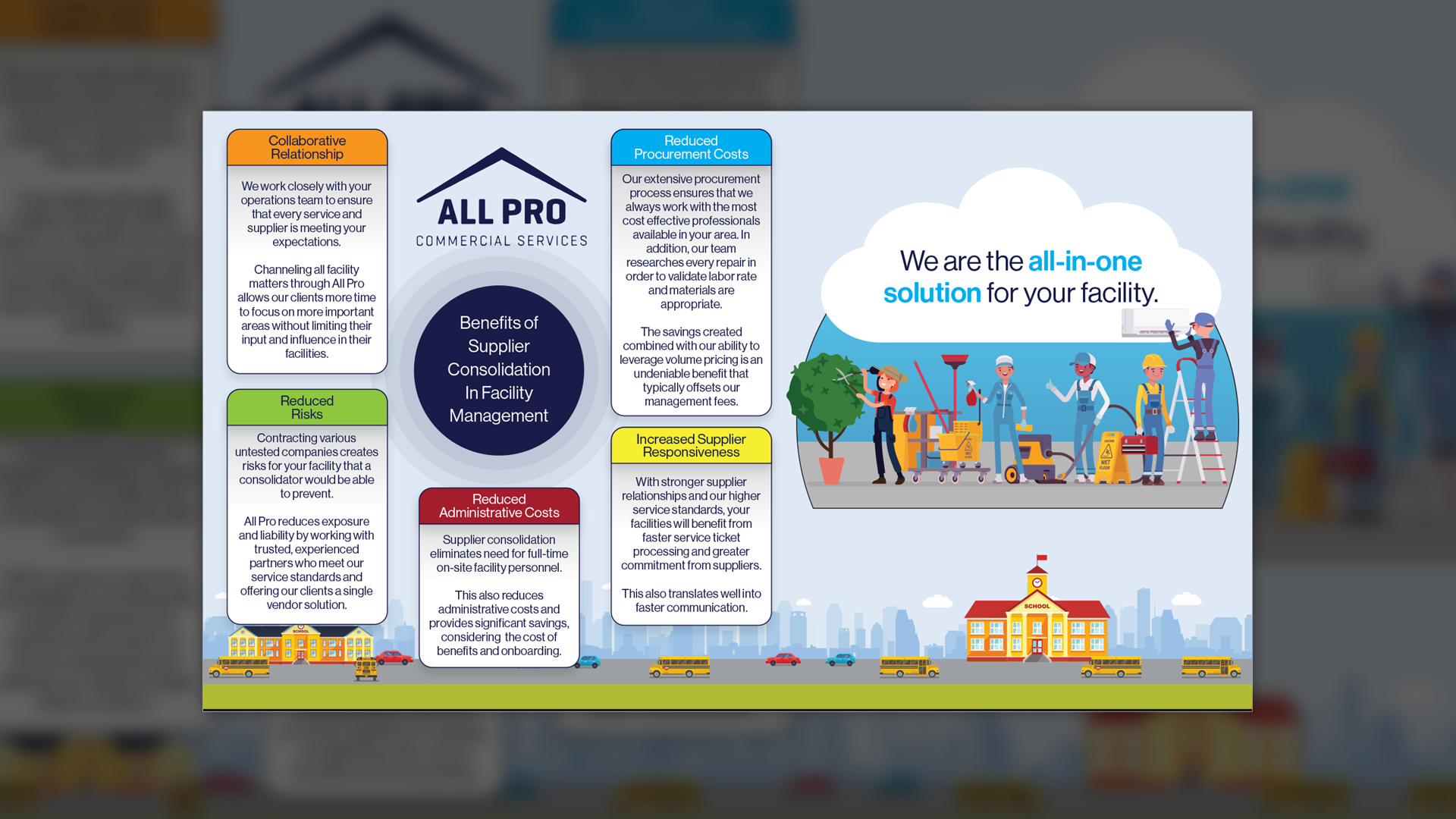
Not everyone is a designer, and not every professional has time to fuss with slide layouts, fonts, and formatting. That’s why Predi Designs creates custom PowerPoint templates tailored for ease of use. Our templates are built specifically for clients who need to focus on content rather than design, allowing them to quickly insert text, images, and data without disrupting the presentation’s professional aesthetic.
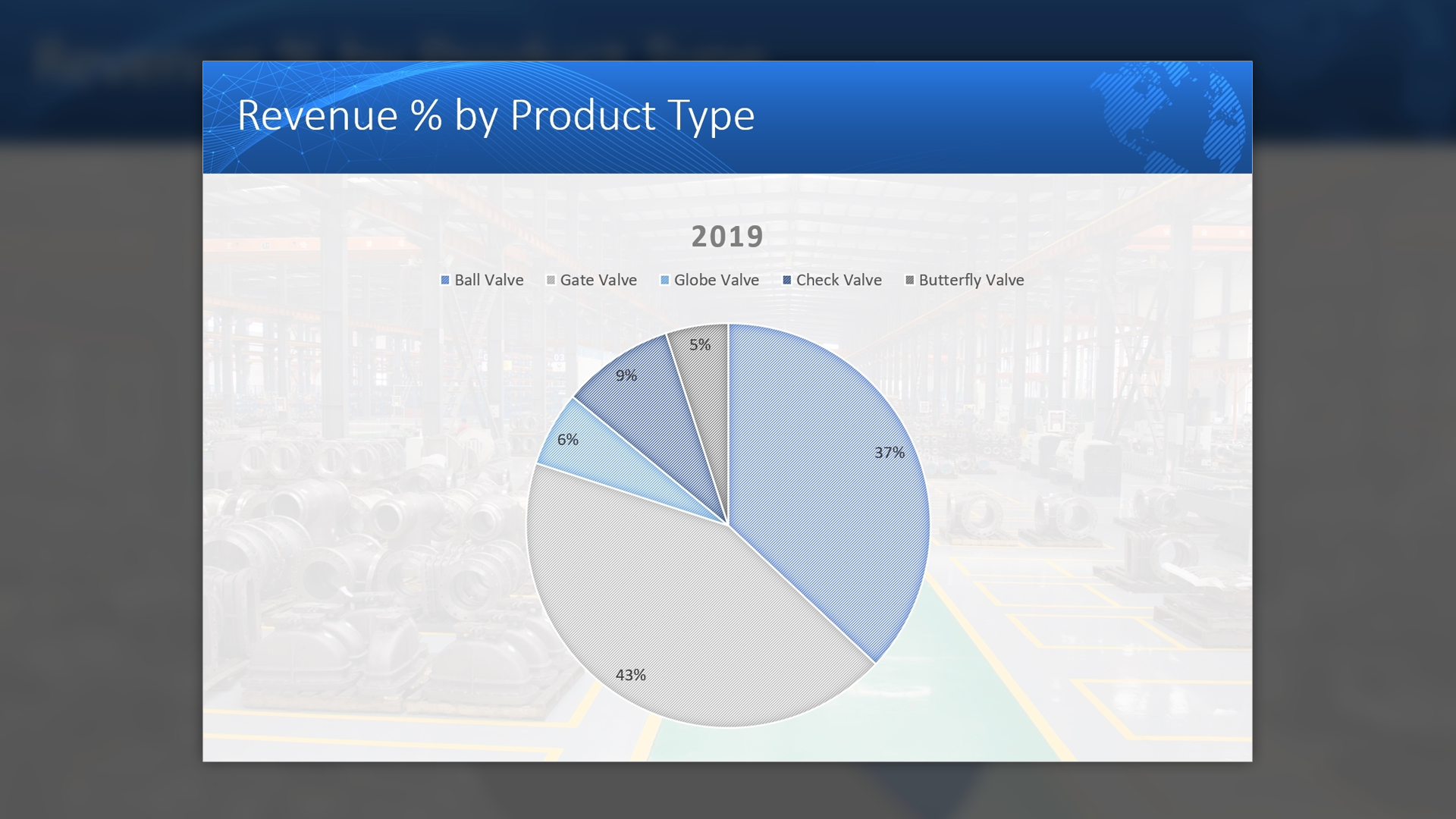
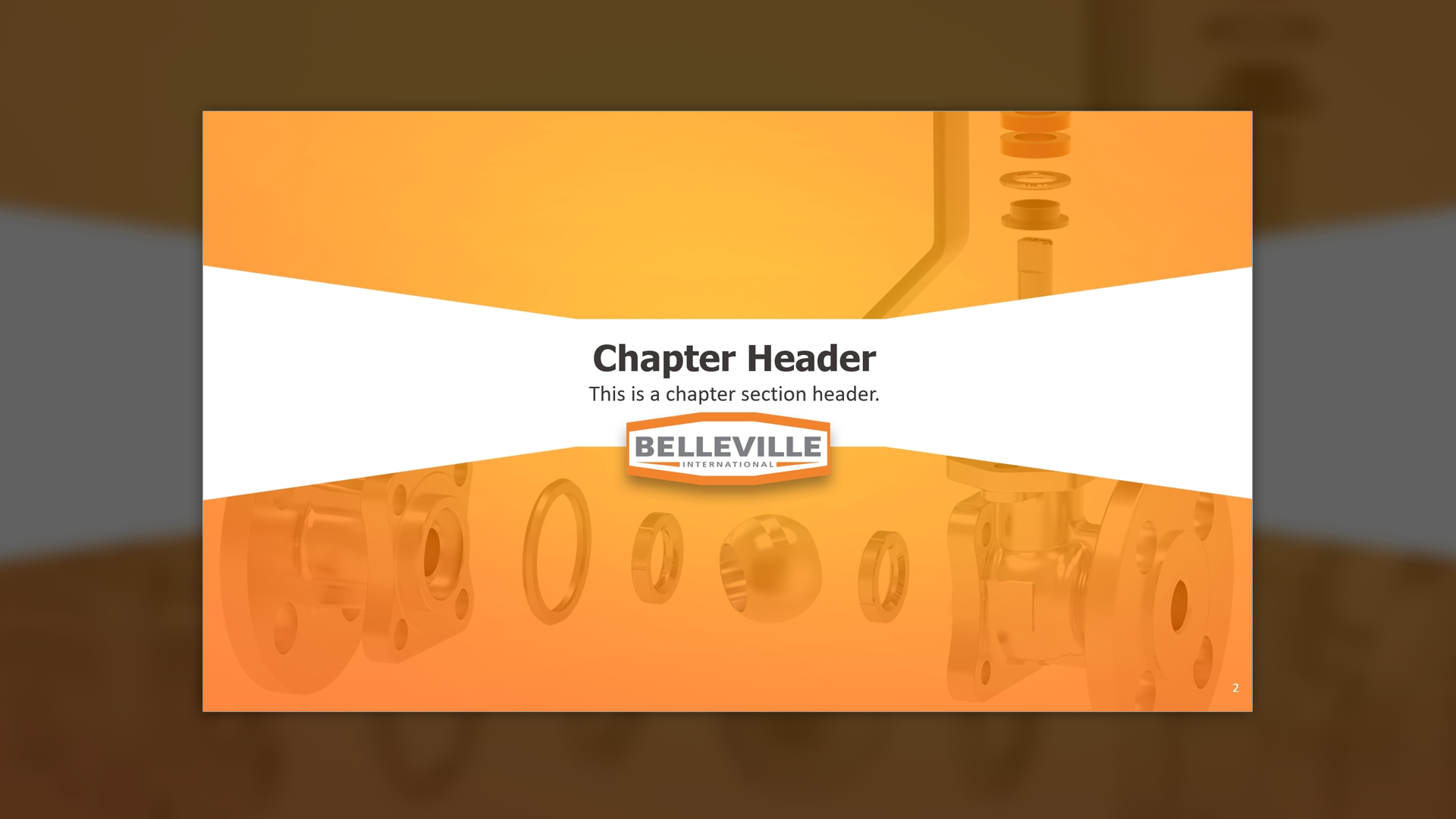
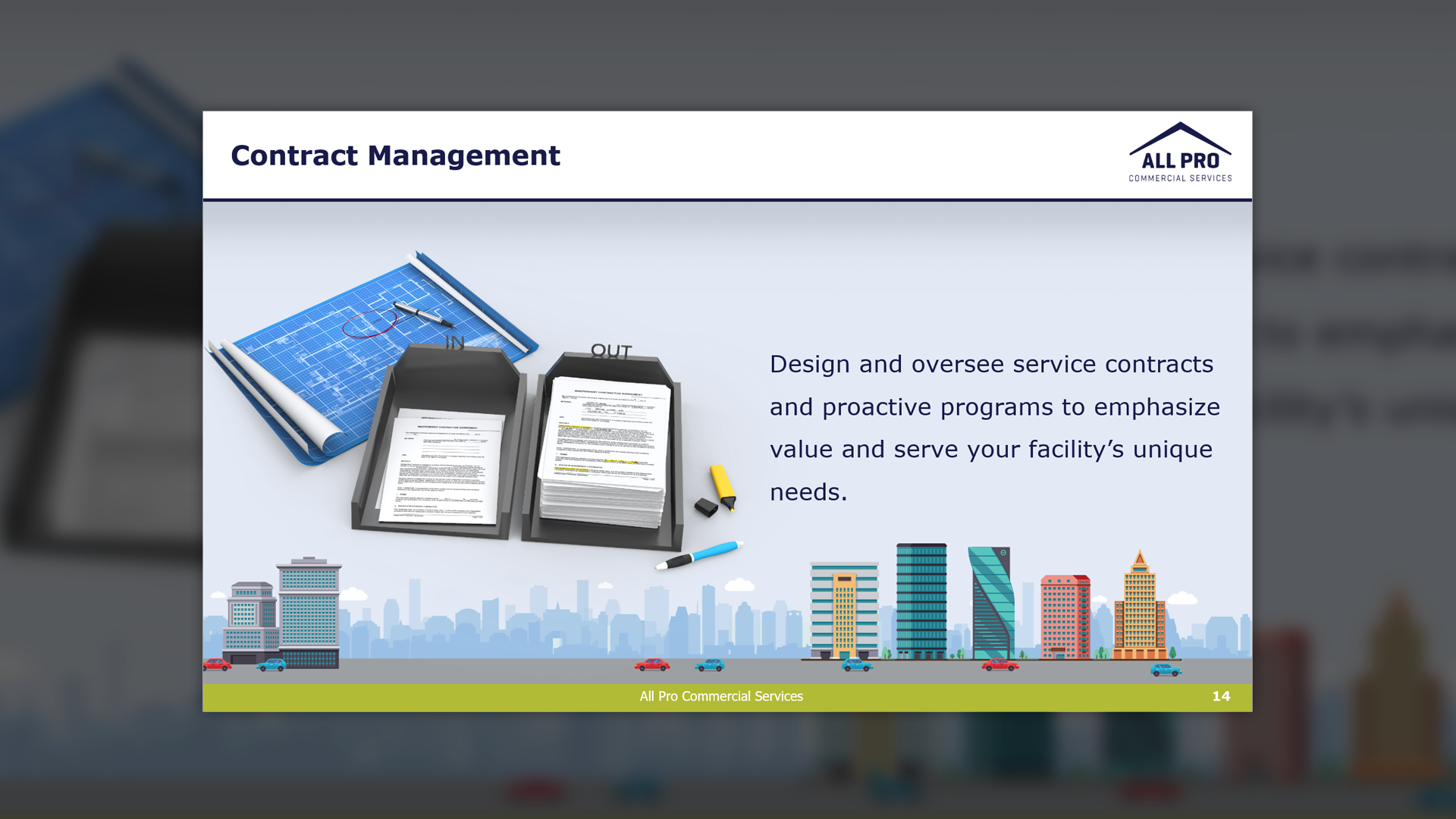
By utilizing PowerPoint’s native features, such as Format Background, we ensure that users don’t have to manually adjust elements. Low-contrast background styling keeps content easy to read, while pre-set layouts in Light, Dark, and Colored versions provide flexibility.
To ensure ease of use, every template package includes a walkthrough presentation, guiding clients through the template’s functionality and best practices for maintaining consistency. While clients can always request refinements from Predi, the goal of these templates is to provide self-sufficiency, enabling professionals to create compelling presentations without needing advanced design knowledge.
Project Goals & Purpose
Many professionals struggle with PowerPoint design, not because they lack ideas, but because they lack the time, patience, or technical skills to format slides properly. Poorly designed presentations can undermine credibility, while overly complex templates often cause frustration rather than efficiency.
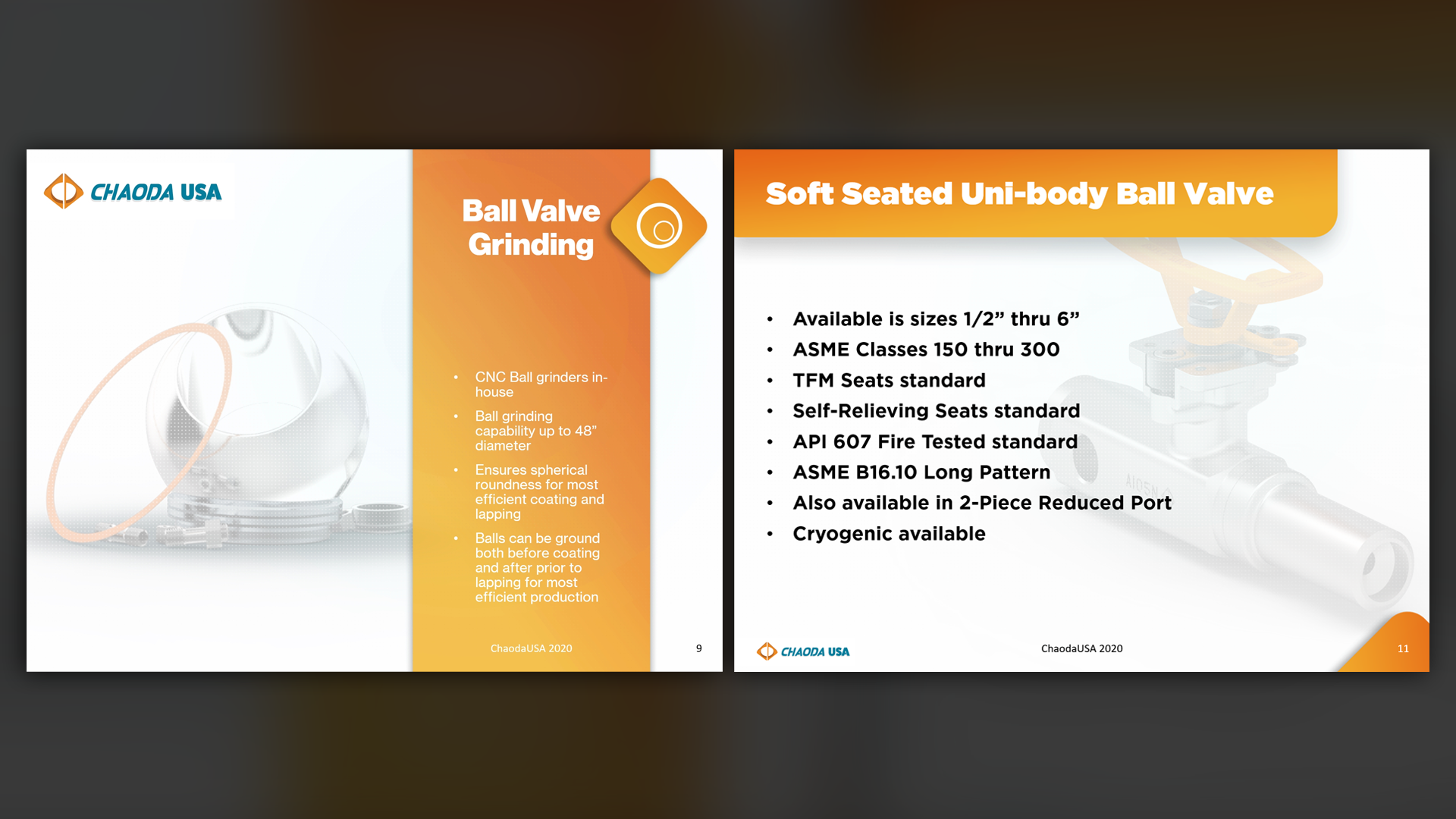
Predi Designs solves this by offering custom, professionally structured templates that require minimal input from the user. Clients simply need to type into content boxes, paste images, and select layouts, and the template does the rest. Our approach ensures that every slide remains clean, legible, and on-brand.
By providing multiple layout variations, clients avoid design fatigue, keeping their presentations fresh while maintaining consistency. With a built-in tutorial, even the most tech-averse professionals can navigate the template effortlessly. For those who need additional refinement, Predi remains available to assist, but the primary goal is to empower clients with design independence.
Challenges
One of the biggest challenges in template design is ensuring that users don’t break the layout. Many professionals, especially those unfamiliar with PowerPoint’s design functions, tend to accidentally misalign elements, stretch images incorrectly, or overload slides with excessive content.
Additionally, some clients struggle with color contrast and readability, often making poor font choices that render their presentations hard to read. Another challenge is maintaining versatility without overwhelming the user, templates need to be customizable but also structured enough to prevent inconsistency.
Solutions
Predi Designs tackled these challenges by implementing auto-formatting safeguards that prevent layout distortion. Text boxes, images, and headings are locked into place where necessary, ensuring that presentations remain polished even when content is modified.
To address readability, we designed low-contrast backgrounds that enhance text visibility without straining the eyes. By including preset color themes and automatic text formatting, clients can switch between Light, Dark, and Colored layouts instantly without disrupting content structure.
To prevent user confusion, we provided a built-in instructional guide, walking clients through best practices for using the template efficiently. This step-by-step guide reduces frustration and eliminates the need for external training.
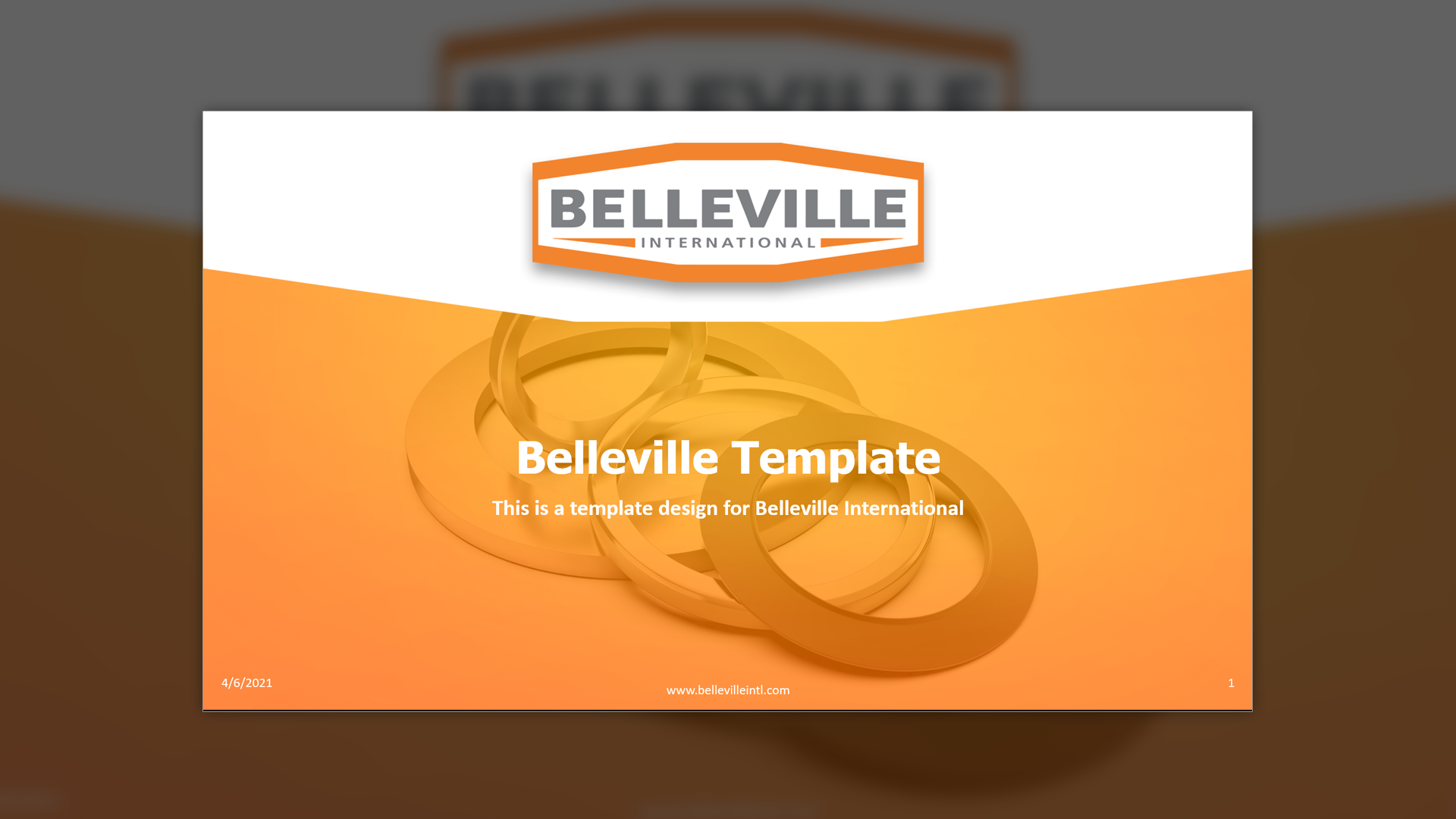
Make your presentations effortless. Subscribe to Predi Designs' on-demand creative services and get custom PowerPoint templates designed for user simplicity and impact!
Make your presentations effortless. Subscribe to Predi Designs' on-demand creative services and get custom PowerPoint templates designed for user simplicity and impact!
Client Reception
Clients frequently praise these templates for their ease of use, noting how much time and effort they save when preparing presentations. Many professionals, especially those with limited design skills, have expressed gratitude for the built-in guidance that allows them to confidently create presentations without constant support.
Companies that previously struggled with inconsistent PowerPoint decks have reported significant improvements in presentation quality and brand cohesion. Several clients have even expanded their Predi Designs subscriptions after experiencing the seamless efficiency of these templates.



Additional Images




downloads
No downloads currently available.
Tags
Related Projects
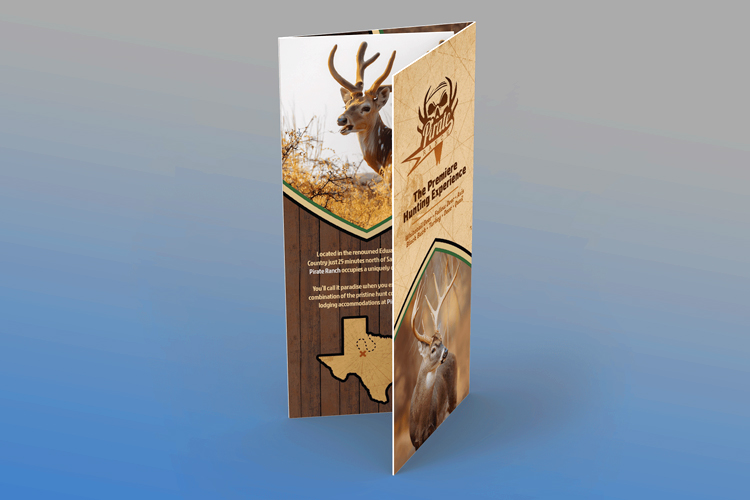 Pirate Ranch needed a visually compelling and informative tri-fold brochure to attract potential visitors. Using a thematic design inspired by a pirate’s treasure map, we crafted a bold, immersive layout that showcased their hunting grounds and available wildlife, while establishing a strong, recognizable brand identity.
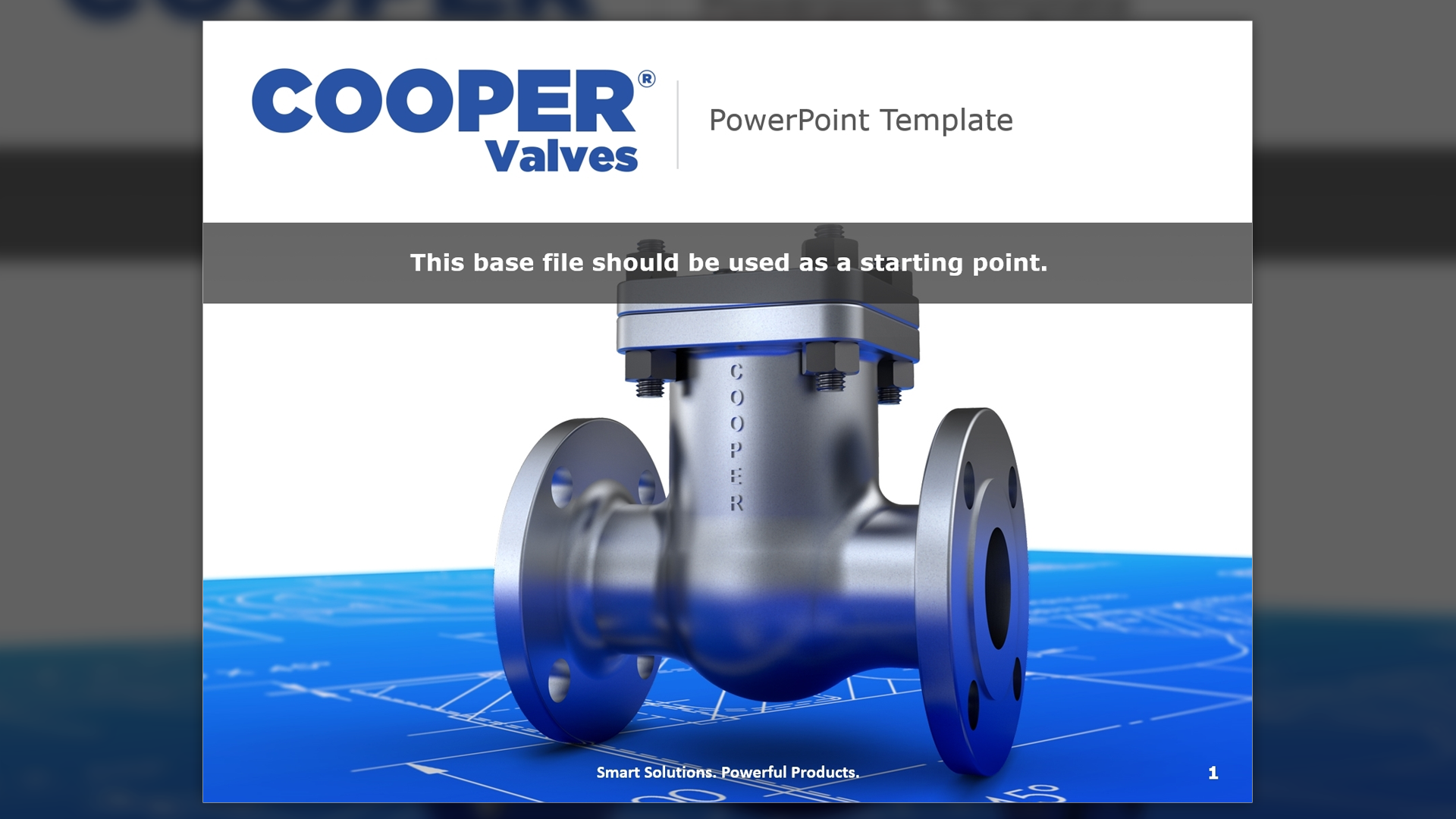
 We transformed Cooper Valves’ product literature by modernizing their catalogs and creating a distinctive brand identity that set them apart from competitors. Using 3D renderings, engineering drawings, and blueprint-inspired layouts, we crafted a visually striking and technically precise suite of marketing materials.
